> For the complete documentation index, see [llms.txt](https://docs.acpt.io/llms.txt). Markdown versions of documentation pages are available by appending `.md` to page URLs; this page is available as [Markdown](https://docs.acpt.io/forms/examples-of-form-usage/create-a-new-term.md).

# Create a new term

Create a new form and set `Post Management` as action.

Pick up the desired post Term and leave the Taxonomy blank:

<figure><img src="https://3235524095-files.gitbook.io/~/files/v0/b/gitbook-x-prod.appspot.com/o/spaces%2Fiyf0tSKPgXiyoQ3zV3I6%2Fuploads%2F6mosfvXBiapl8IiOi2eF%2FForms-list-%E2%80%B9-Localhost-%E2%80%94-WordPress-11-14-2024_12_44_PM.png?alt=media&amp;token=4094a0e8-c2f9-48a5-86aa-28cc17e1e4e9" alt=""><figcaption></figcaption></figure>

Finally, map the meta fields if needed.

At this stage, you are ready to [build the form](/forms/the-form-builder.md) as desired.

Suppose you want a form to create new category terms on your website like this:

<figure><img src="https://3235524095-files.gitbook.io/~/files/v0/b/gitbook-x-prod.appspot.com/o/spaces%2Fiyf0tSKPgXiyoQ3zV3I6%2Fuploads%2Fbh4BlezsCfFXN93fpiRw%2FForm-manager-%E2%80%B9-Localhost-%E2%80%94-WordPress-11-14-2024_12_49_PM.png?alt=media&amp;token=f30f03f3-3054-4936-b264-40c2ab685f2d" alt=""><figcaption></figcaption></figure>

You can render the form everywhere just by using the generated shortcode.

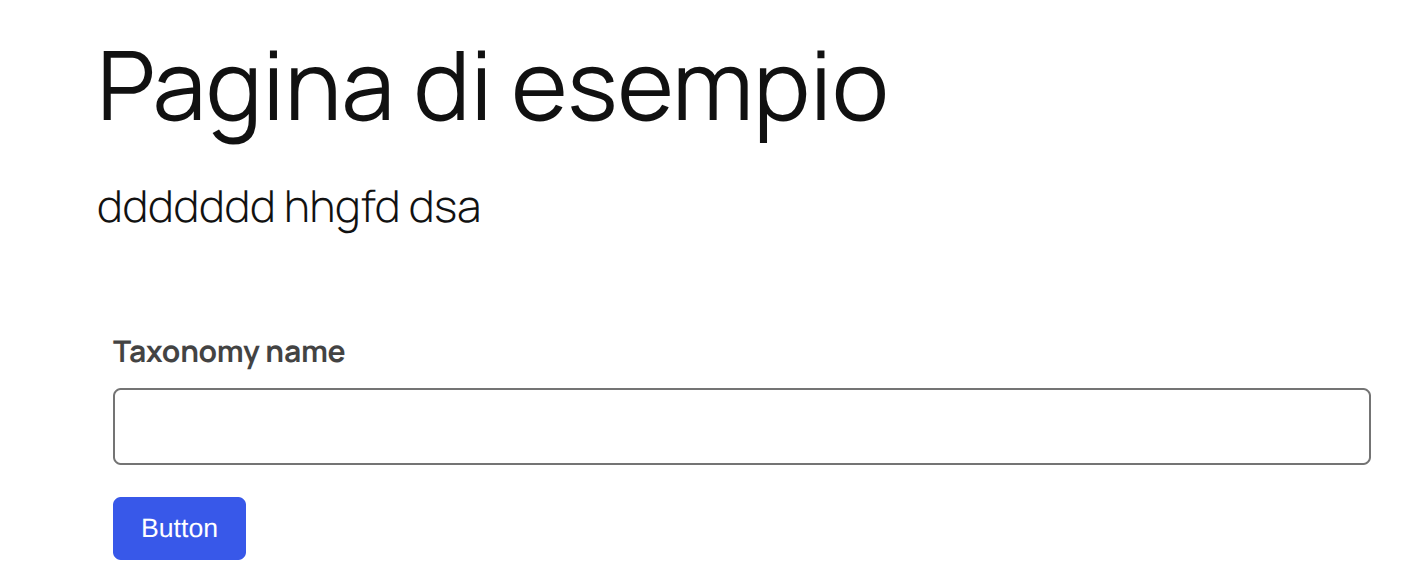
Let's take a look at the form on the **Twenty Twenty-One** standard theme:

<figure><img src="https://3235524095-files.gitbook.io/~/files/v0/b/gitbook-x-prod.appspot.com/o/spaces%2Fiyf0tSKPgXiyoQ3zV3I6%2Fuploads%2Fe1EJnBO760Yo1qJi5P87%2FPagina-di-esempio-%E2%80%93-Localhost-11-14-2024_12_50_PM.png?alt=media&amp;token=b505b9fc-74d9-4e54-a749-c2b8d9785953" alt=""><figcaption></figcaption></figure>