> For the complete documentation index, see [llms.txt](https://docs.acpt.io/llms.txt). Markdown versions of documentation pages are available by appending `.md` to page URLs; this page is available as [Markdown](https://docs.acpt.io/integrations/wp-grid-builder.md).
# WP Grid Builder
ACPT (starting with version **2.0.19**) works nicely with [WP Grid Builder](https://wpgridbuilder.com/).
### Cards
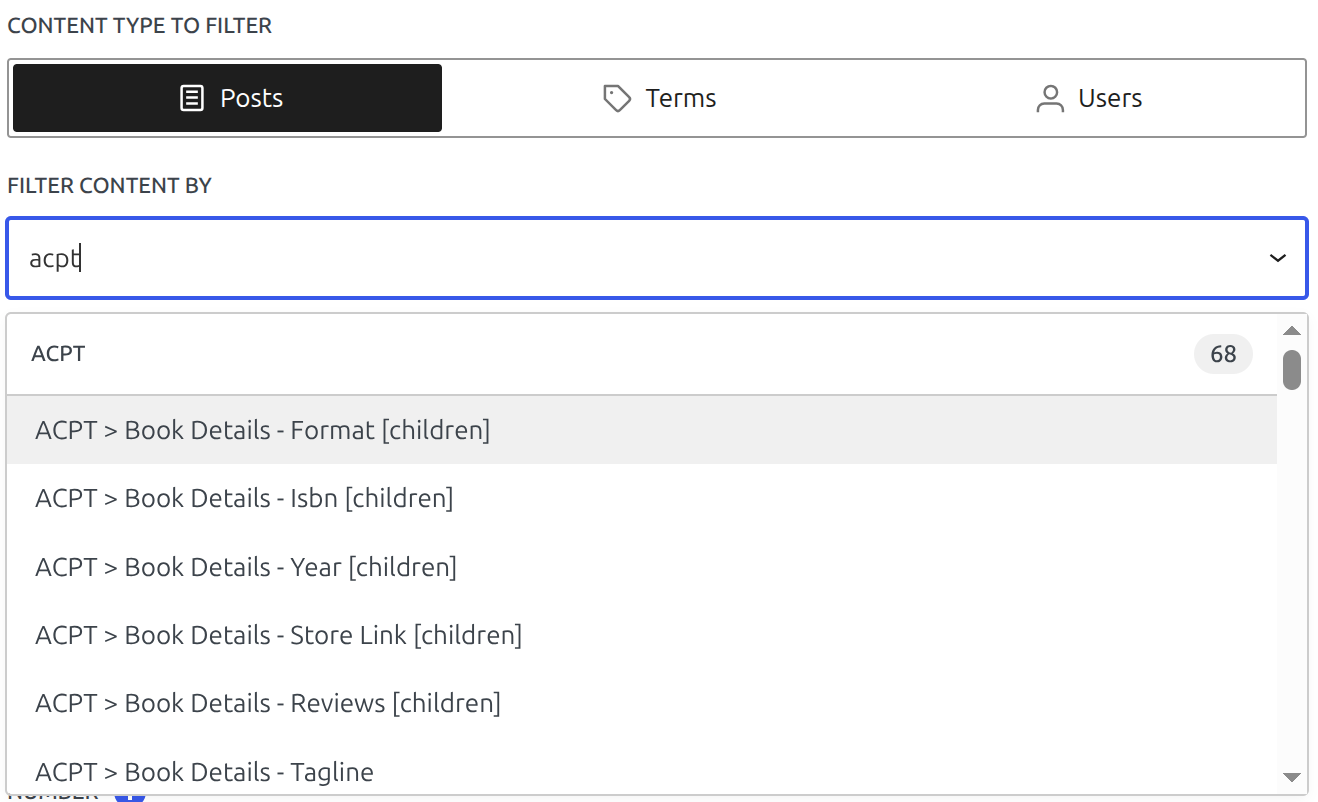
To add an ACPT field to a card, you need to add a custom field and search the field by name:
The field will be labeled in the editor as `{{acpt_yy_xx}}`.
### Facets
Similarly, do the same when working with Facets. Select ACPT fields from the custom fields list:
{% hint style="info" %}
If you are working with **Address fields**, please consider using [Map Facet plugin](https://wpgridbuilder.com/add-ons/map-facet/).
{% endhint %}