> For the complete documentation index, see [llms.txt](https://docs.acpt.io/llms.txt). Markdown versions of documentation pages are available by appending `.md` to page URLs; this page is available as [Markdown](https://docs.acpt.io/forms/examples-of-form-usage/create-a-new-user.md).
# Create a new user
Create a new form and set `Post Management` as action.
Choose All users in the List to populate from menu and leave the User blank:
Finally, map the meta fields if needed.
At this stage, you are ready to [build the form](/forms/the-form-builder.md) as desired.
Suppose you want a form to create new users on your website like this:
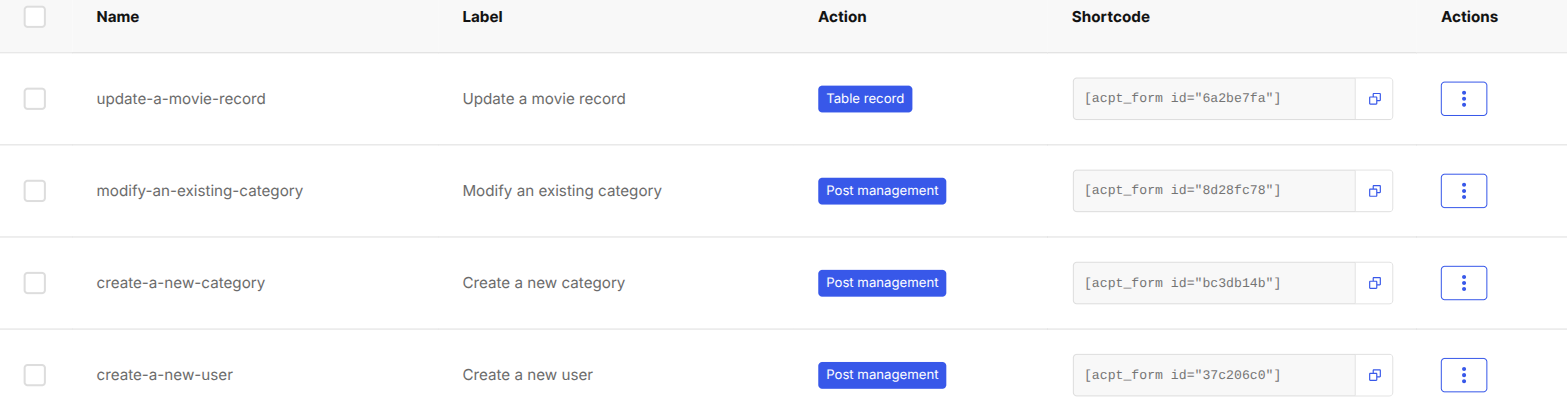
You can render the form everywhere just by using the generated shortcode.
Let's take a look at the form on the **Twenty Twenty-One** standard theme:
{% hint style="info" %}
When this form is submitted, a new user is created with the "**Subscriber**" status.
{% endhint %}